
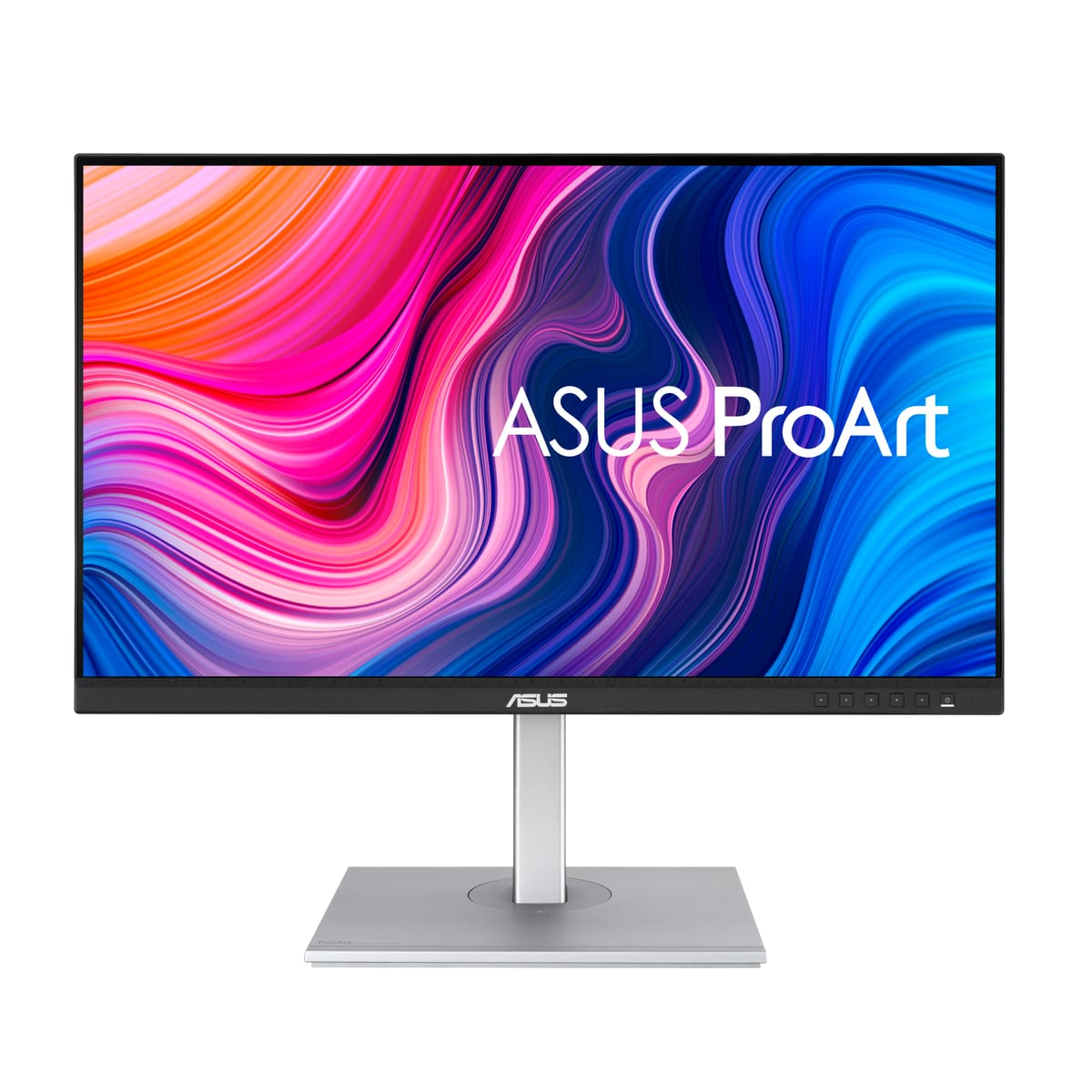
ASUS ProArt Display PA278CV 27-inch WQHD 100% sRGB Monitor
Category: Monitors
Key specschecked 2026-10-11
- Screen size
- 27 in
- Resolution
- 2560x1440
- Panel type
- IPS
Where to buy
Specifications
Each value below was read from ASUS's own pages (checked 2026-10-11); the Source column links to that page.
| Spec | Value | Source |
|---|---|---|
| Screen size | 27 in | asus.com |
| Resolution | 2560x1440 | asus.com |
| Panel type | IPS | asus.com |
| Refresh rate | 75 Hz | asus.com |
| Response time | 5ms(GTG) | asus.com |
| Brightness | 350 cd/m² | asus.com |
| Contrast ratio | 1000:1 | asus.com |
| Color gamut | 100% | asus.com |
| Pixel pitch | 0.233 mm | asus.com |
| USB cpower delivery | 65 W | asus.com |
| Ports | USB-C x 1 (DP Alt Mode), DisplayPort 1.2 x 2 (Daisy Chain), HDMI(v1.4) x 1, USB Hub : 4x USB 3.2 Gen 1 Type-A, Earphone Jack : Yes | asus.com |
| Height adjustment | 0~150mm | asus.com |
| Tilt | +35° ~ -5° | asus.com |
| Swivel | +45° ~ -45° | asus.com |
| Pivot | +90° ~ -90° | asus.com |
| Vesa | 100x100mm | asus.com |
| Weight | 8.7 kg | asus.com |
| Weight without stand | 5.8 kg | asus.com |
How it compares in Monitors
A count of the checked models that state a comparable value, from the same values as the table above. It is not a score.
- Screen size 27 in — Larger screen than 0 of 15 other checked models; level with 9
- Resolution 2560x1440 — More pixels than 0 of 15 other checked models; level with 1
- Refresh rate 75 Hz — Higher refresh rate than 14 of 16 other checked models; level with 1
- Weight 8.7 kg — Lighter than 7 of 16 other checked models
- Height adjustment 0~150mm — More stand height travel than 12 of 15 other checked models; level with 2
Other checked models in Monitors
- Apple Studio Display 27-inch 5K Retina Monitor 600 Nits
- ASUS ProArt Display PA279CRV 27-inch 4K UHD IPS USB-C Monitor
- ASUS ProArt Display PA329CRV 31.5-inch 4K UHD IPS USB-C Monitor
- ASUS ProArt Display PA329CV 32-inch 4K UHD HDR400 Monitor
- ASUS ProArt Display PA32UCR-K 32-inch 4K UHD Mini-LED IPS USB-C Monitor
Related buyer guides
Compare alongside other category alternatives for specific use cases.
- Best Monitor for ProgrammingFor coding, compare pixel density, USB-C power delivery, and stand height range from the catalog specifications of each monitor.
- Best USB-C Monitor for LaptopsA single USB-C cable can carry video and power. Compare monitors on the USB-C video input and power delivery watts recorded in their specifications.
- Best Monitor for Home OfficeFor home offices, compare screen size, panel type, and stand adjustability from the catalog specifications of each candidate.
Looking for personalized gear matches?
Take our 4-question quiz to find equipment scored for your exact operating system and workflow.